
Activate Khang Scraper (3)
In this section you will install and connect Khang Scraper (chrome extension) to your website.

Activate Khang Scraper (3)
Step 1: Install the Khang Scraper Chrome extension
First, install the Khang Scraper from the Chrome Web Store . This extension only works on desktop browsers.
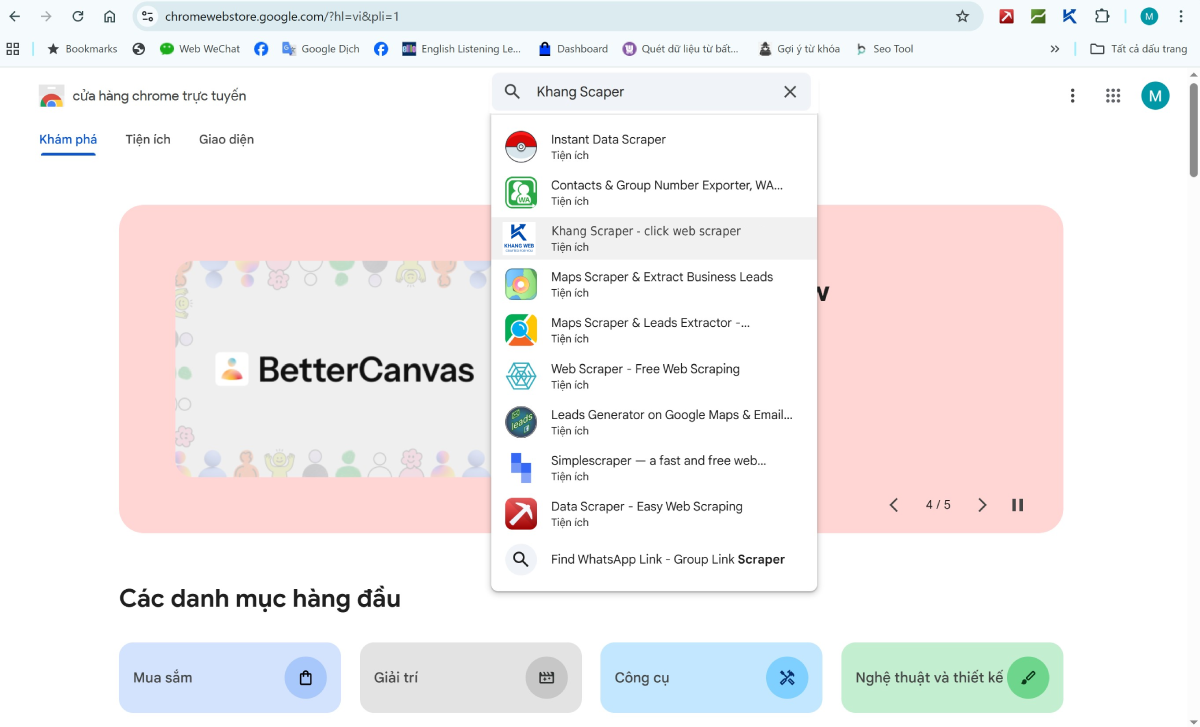
1. Go to https://chromewebstore.google.com/, search for Khang Scraper and download it to your browser.
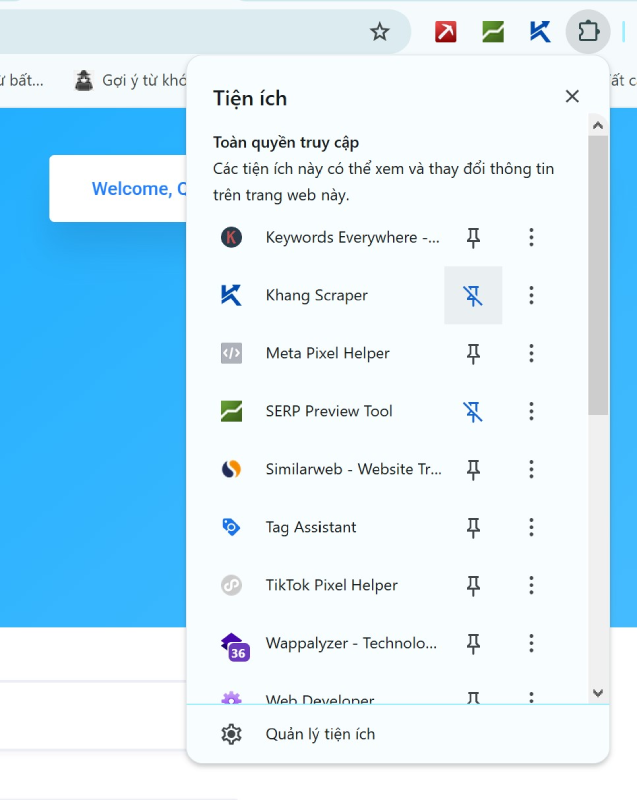
Then, open the list of installed extensions and choose 'pin' to pin it to the extension menu on your browser.
Step 2: Activate the token
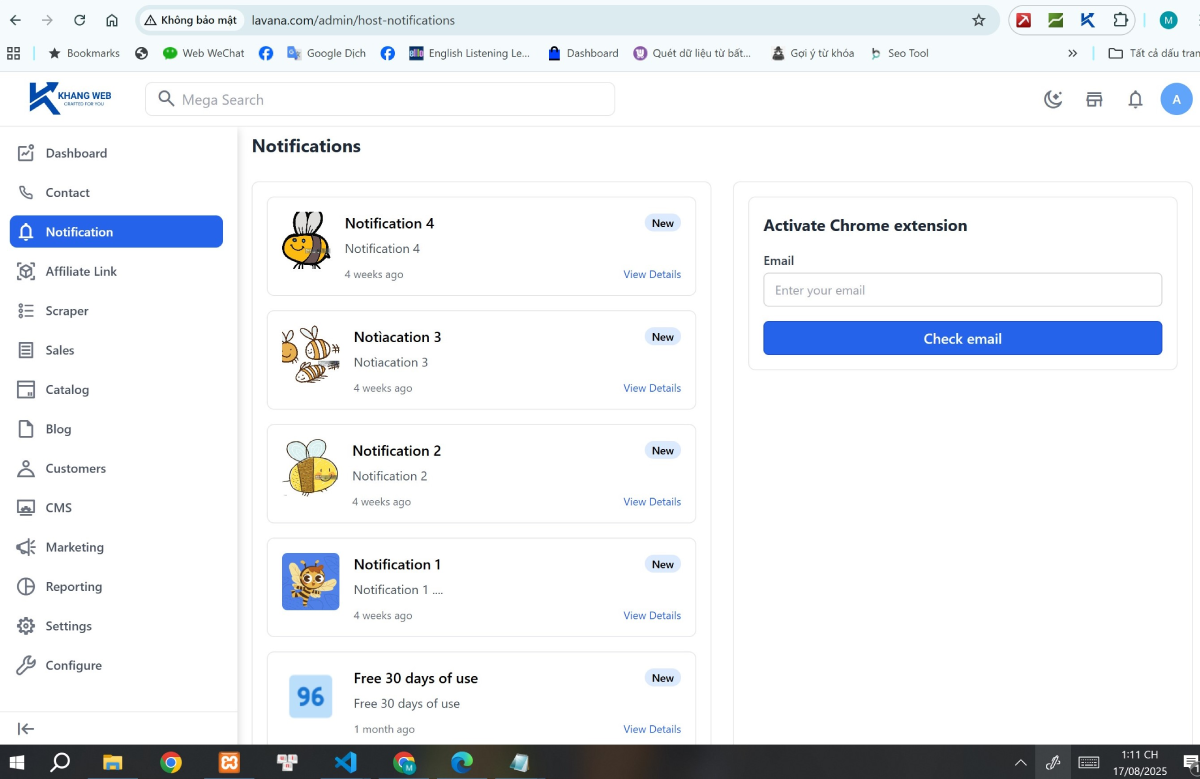
Go to your website's admin page and select the "Notification" tab.
Enter the correct email you used to register as a member on Khangweb.com (which is also the email you used to download the Khang Affiliate Suite source code) into the "Activate Chrome extension" form.
It takes about a few dozen seconds for the system to check the information and return a result similar to the image below.
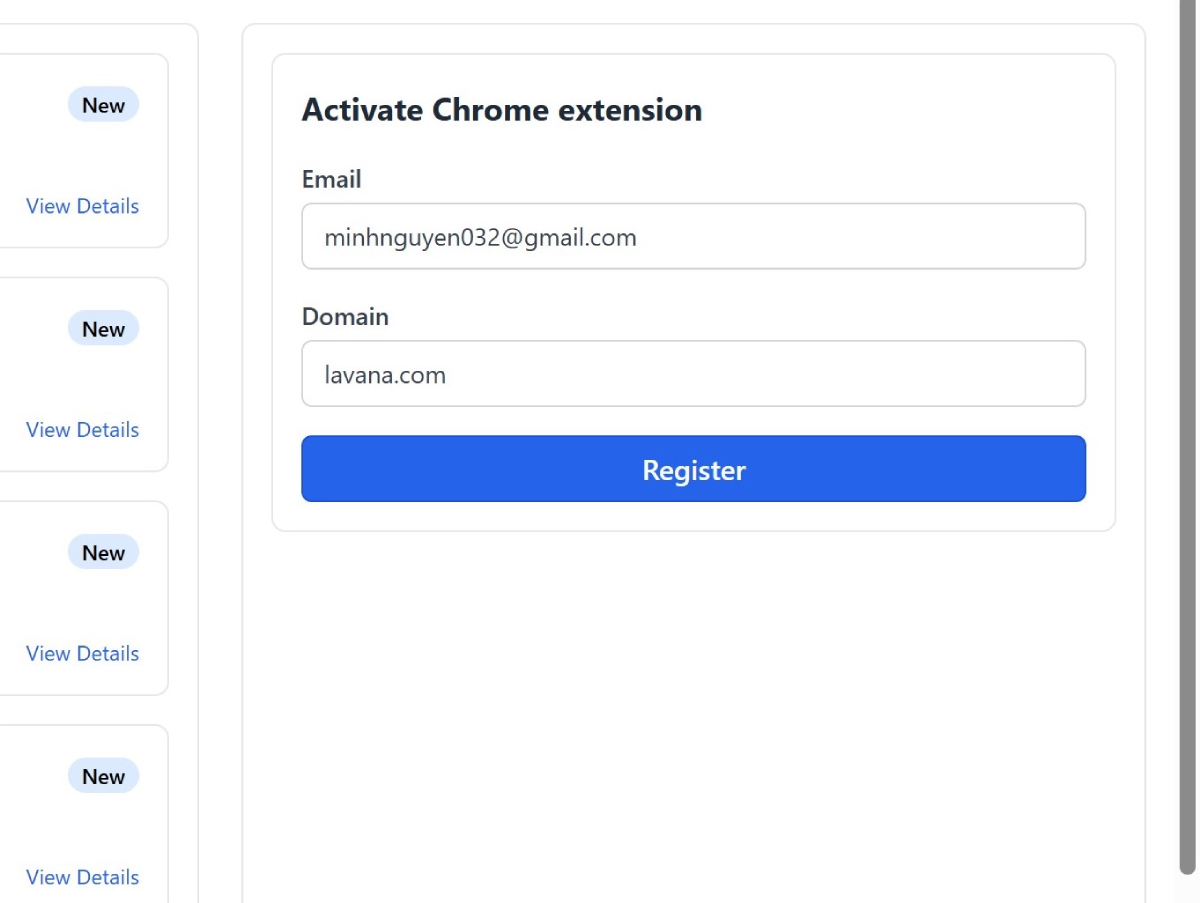
Then, click "Register" and wait to receive the activation email.
The email has the subject "Activate your API token" and is sent from "Khang Web Support". This email might be in the spam folder.
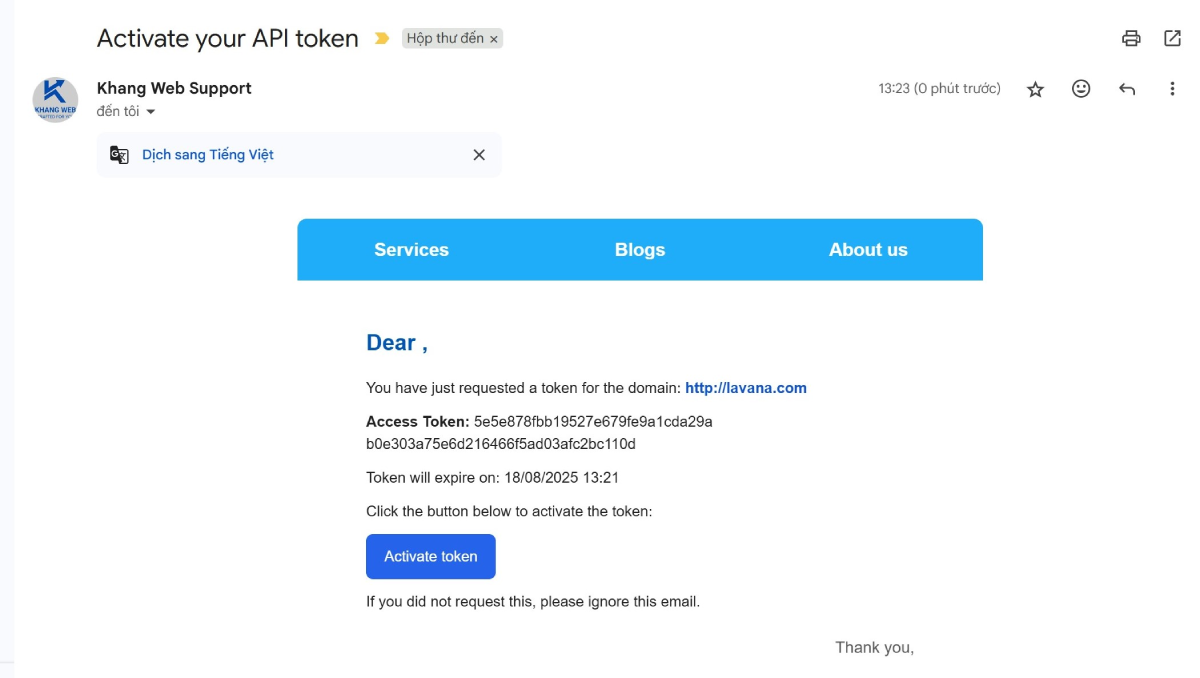
Click "Activate token" and you will be redirected to the token activation success page.
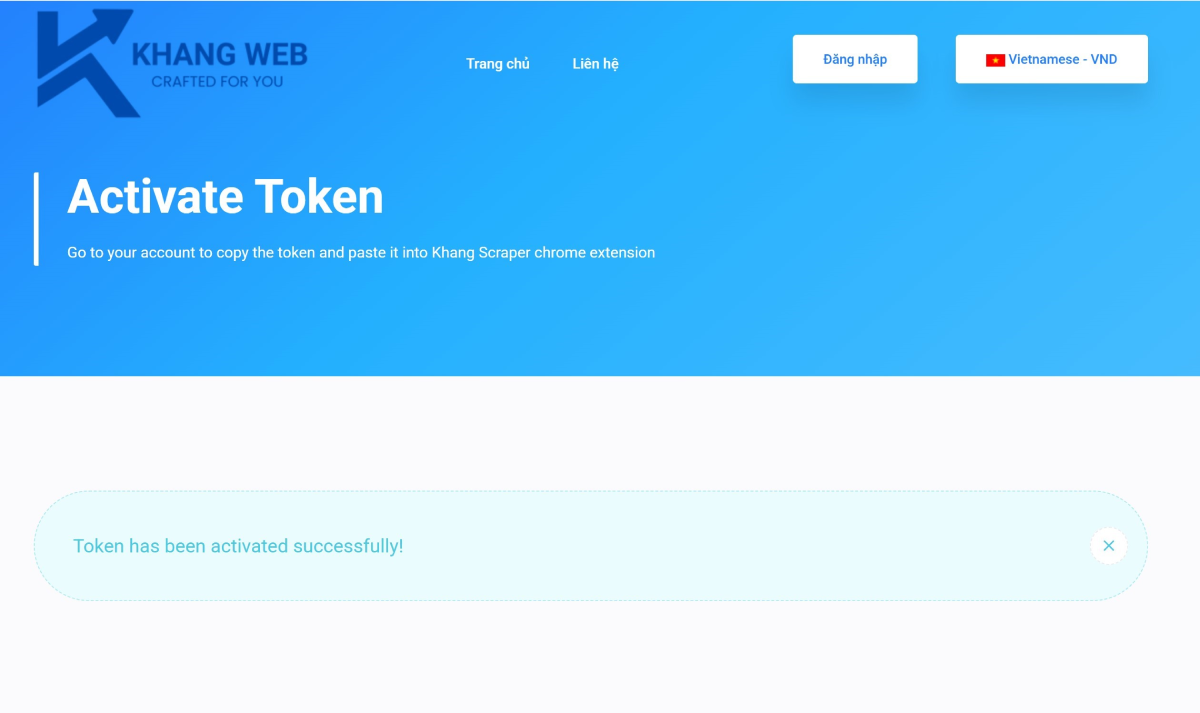
Step 3: Get the token to log in to the Khang Scraper Chrome extension
Log in to your member account on KhangWeb: https://khangweb.com/customer/login
Next, access the API management page: http://khangweb.com/customers/domain-client
If the status is active, you can use the token. Copy this token.

Step 4: Log in to Khang Scraper
Open Khang Scraper, enter your website domain, and paste the token as shown in the image below, then click connect.
A successful login will display the interface shown below.

So, we have completed Part 3 of the installation process.
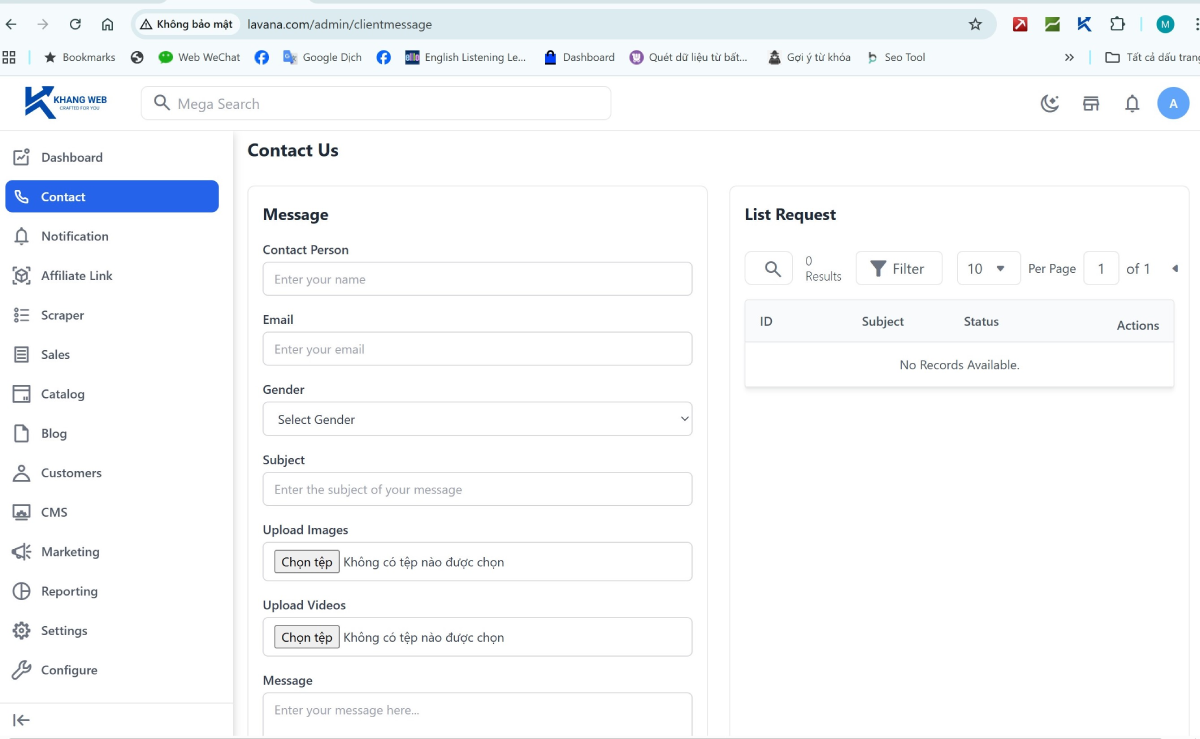
If you encounter any difficulties, you can leave a comment or contact Khang Web through the Contact function in your admin page.
Leave a Comment